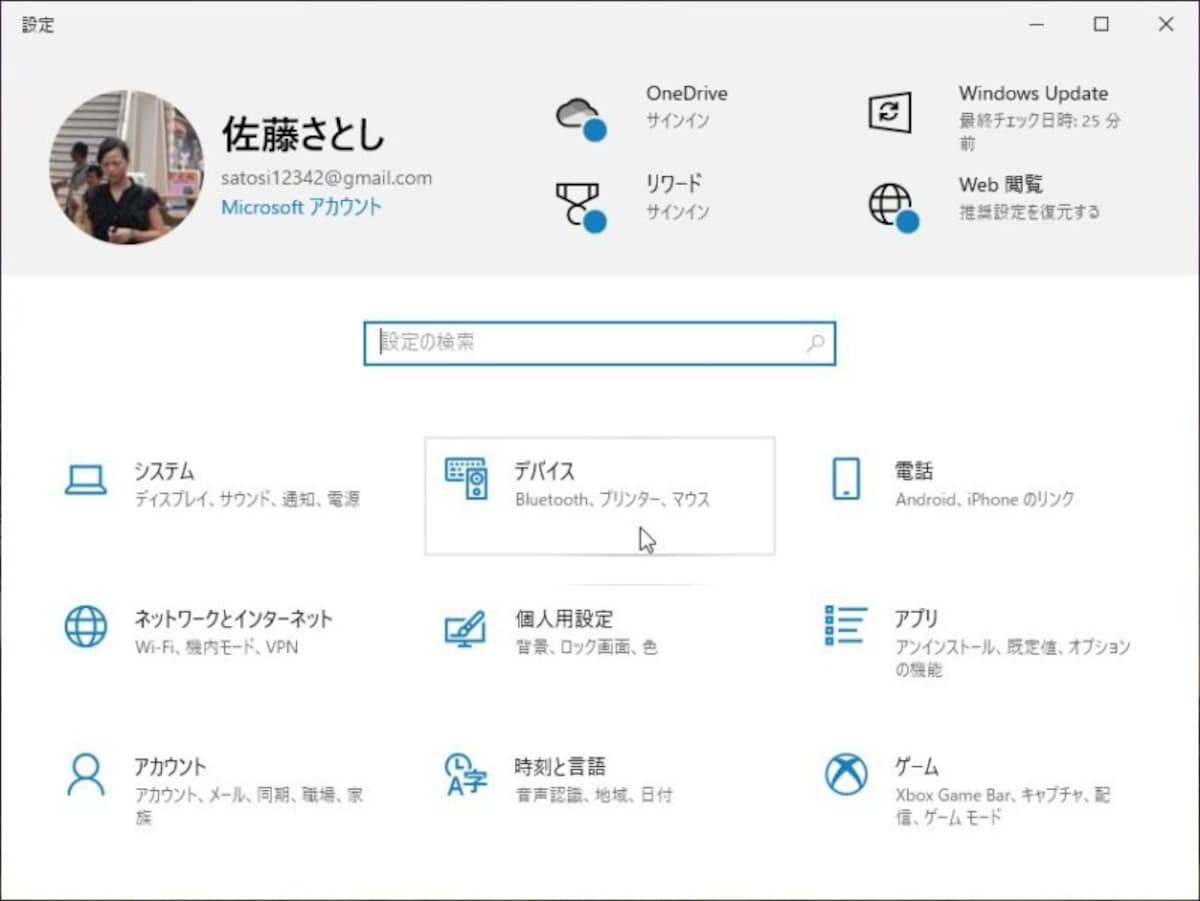
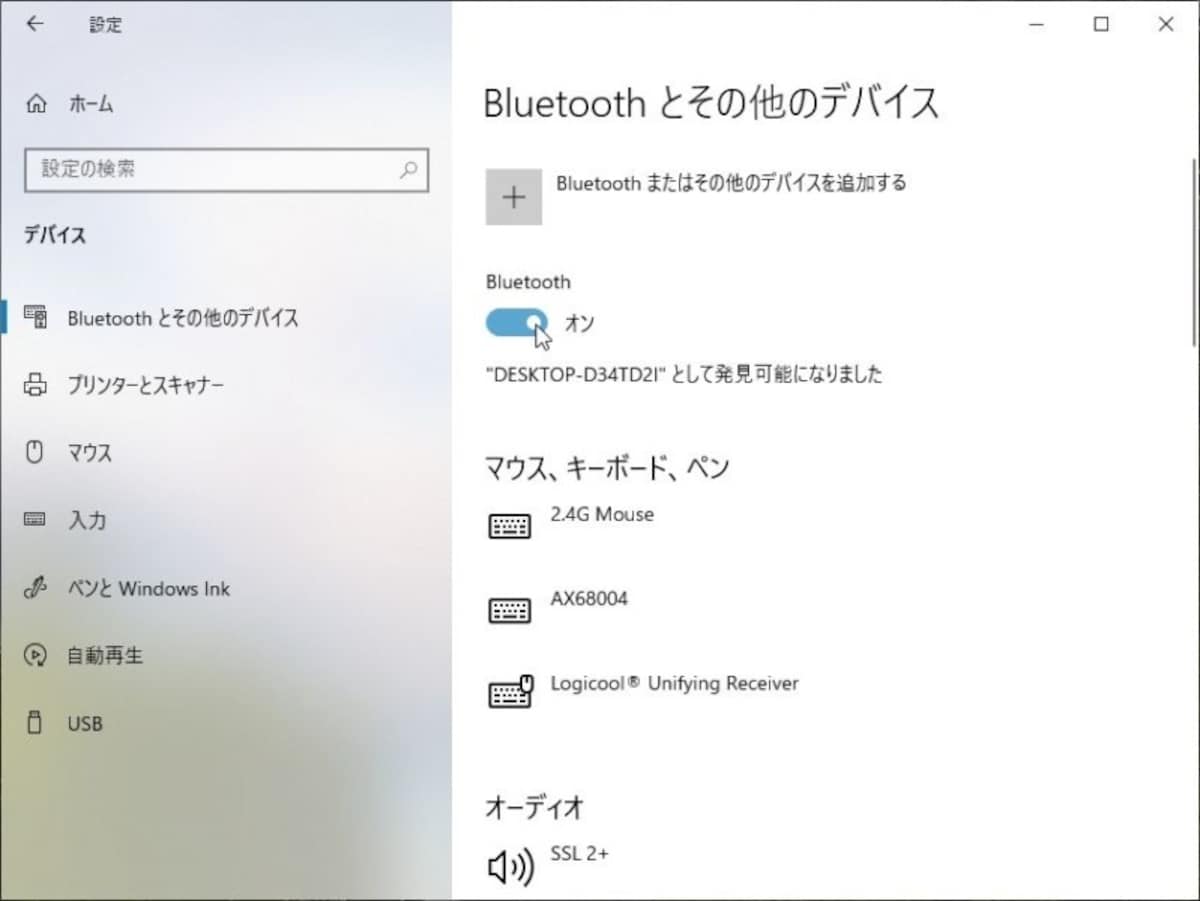
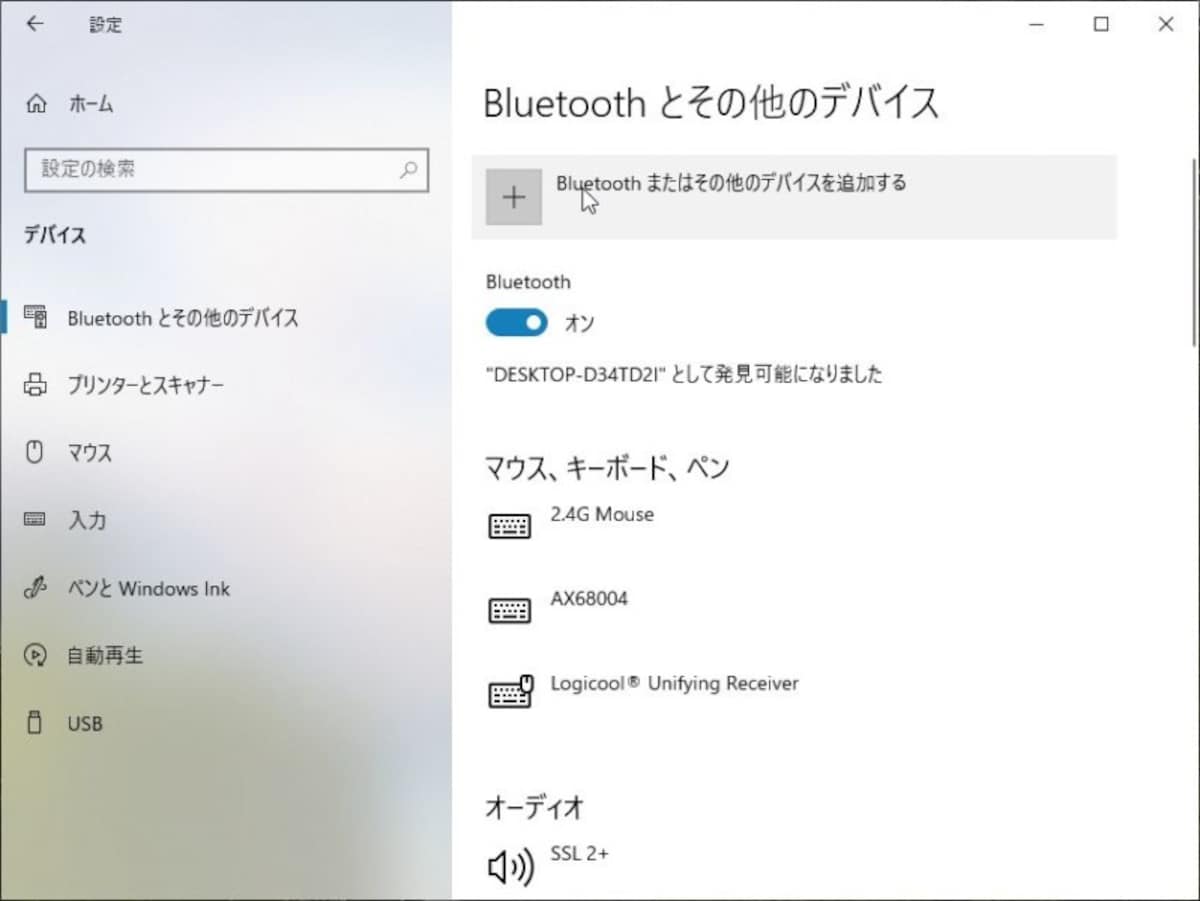
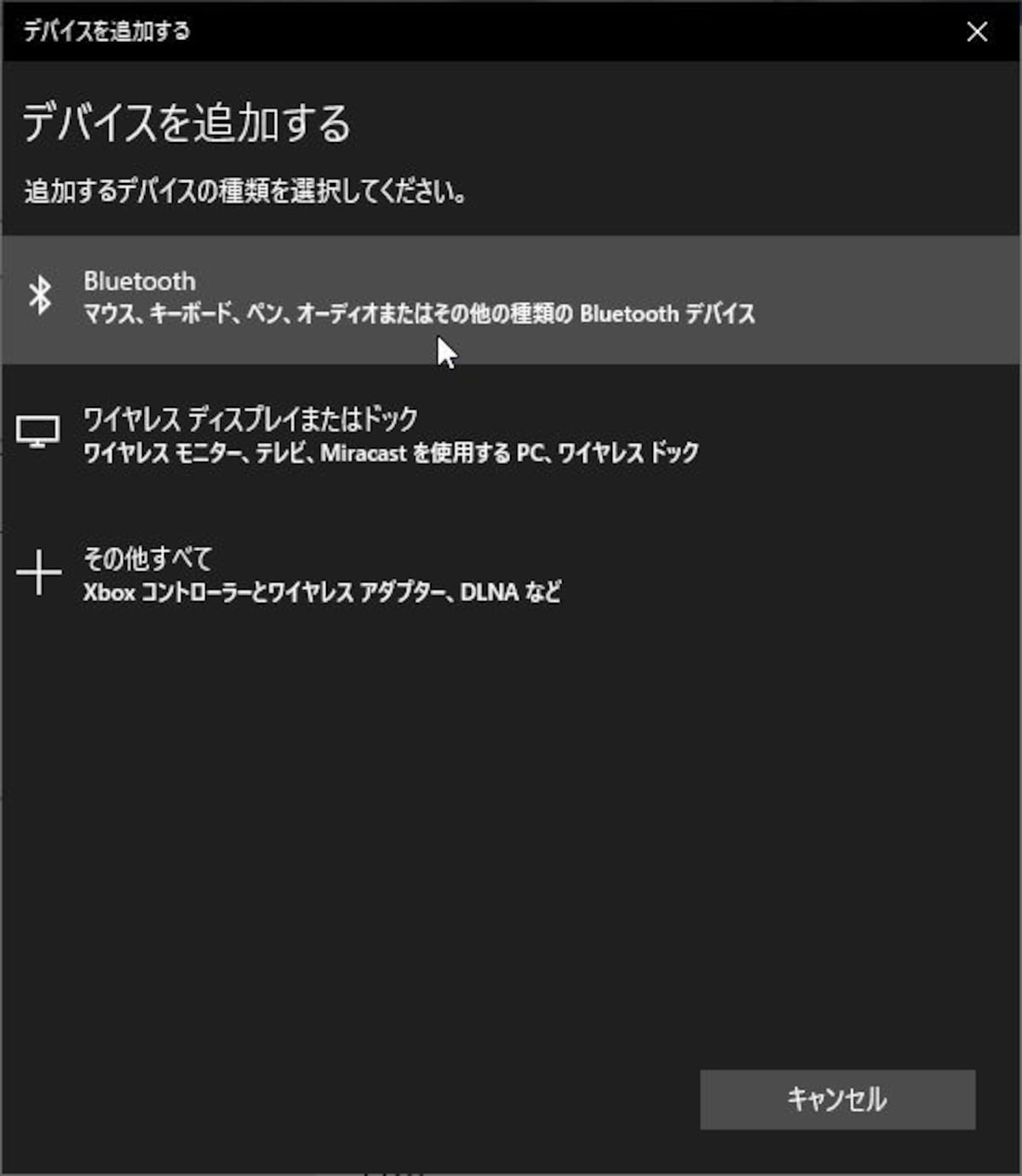
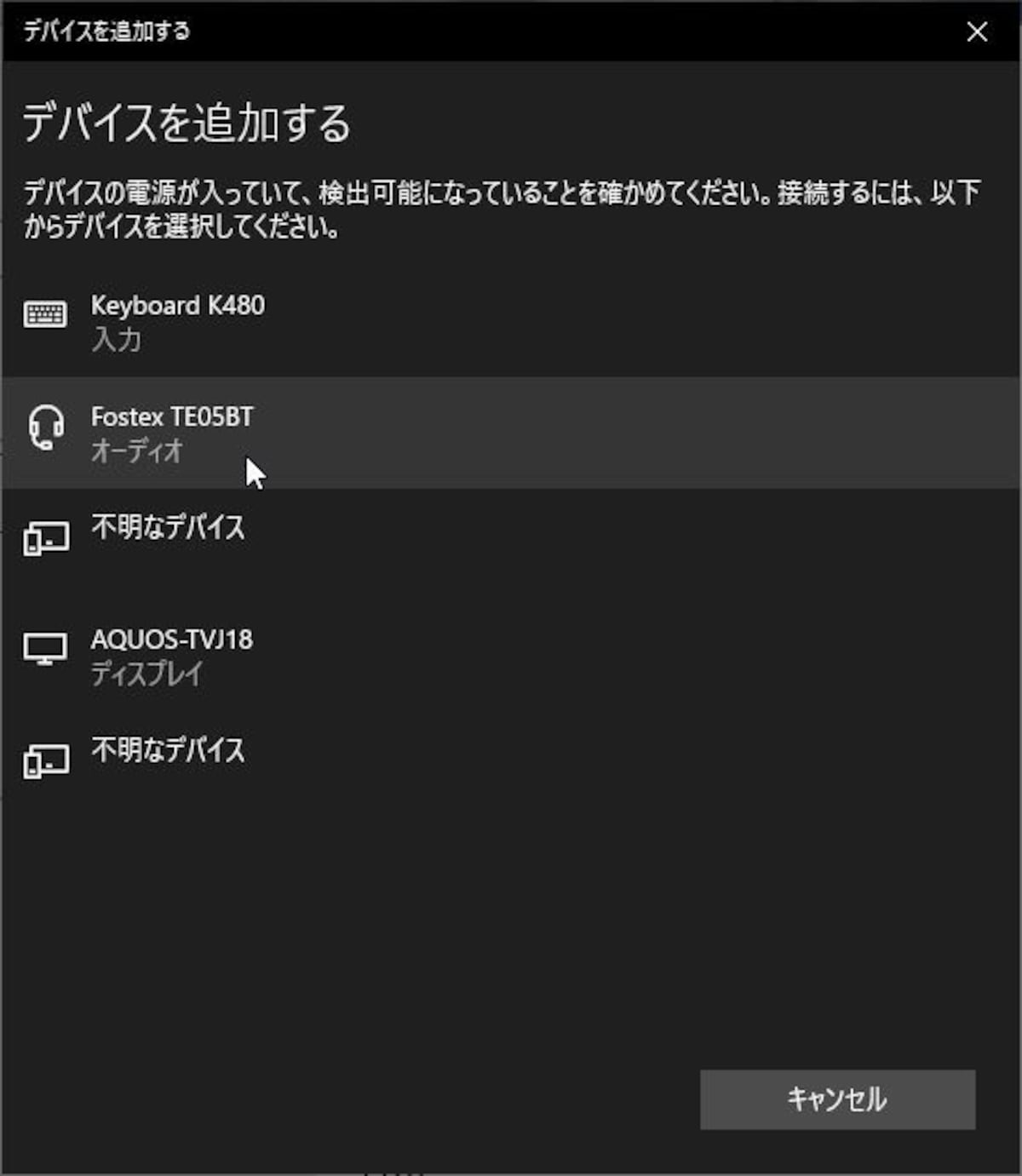
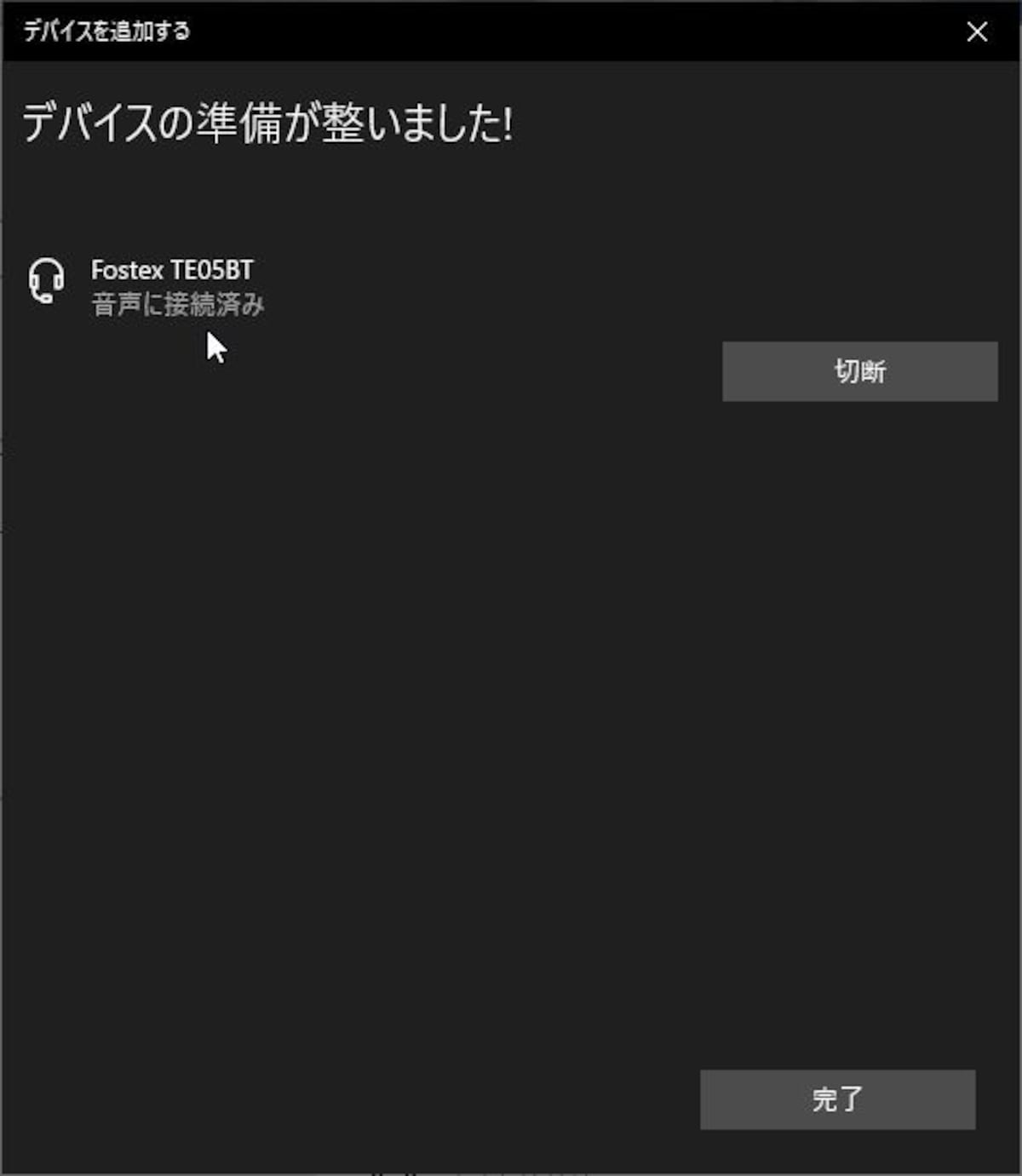
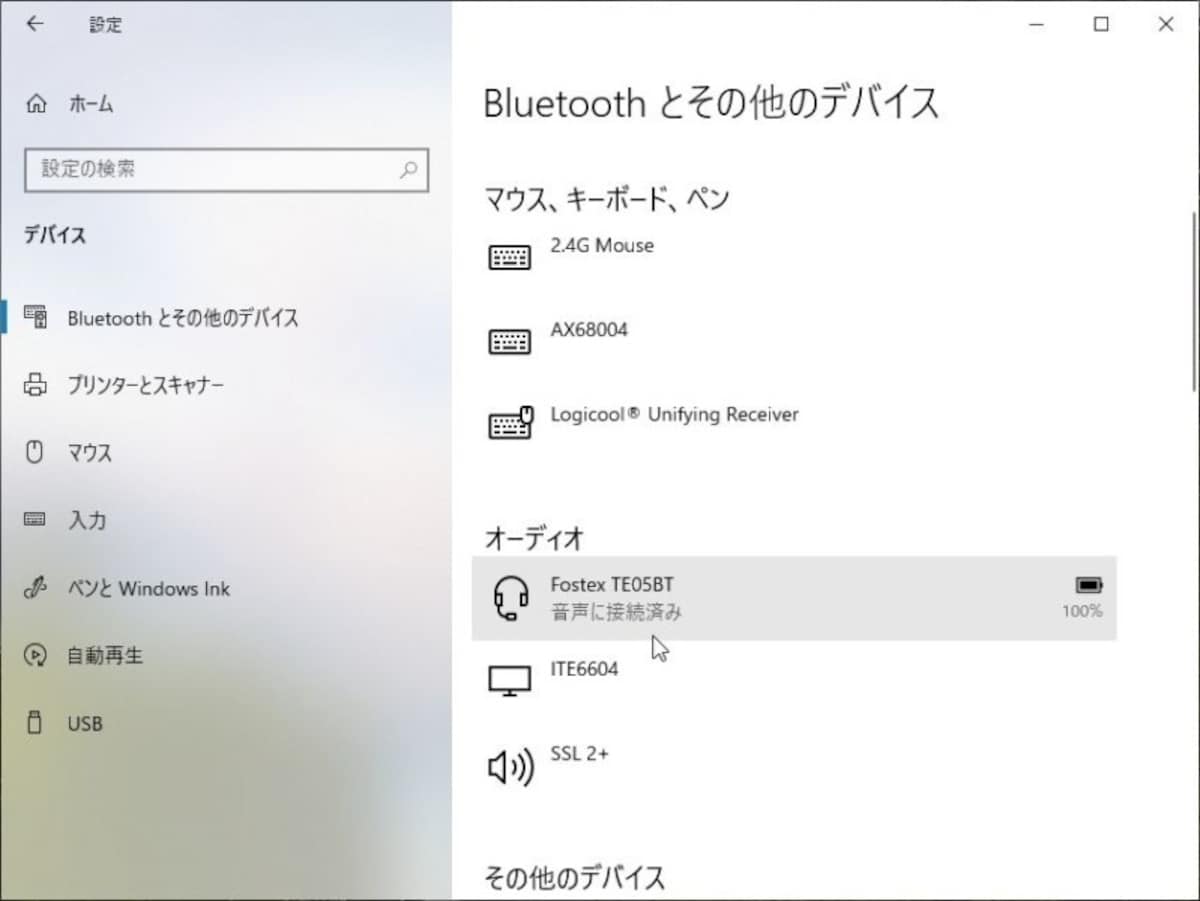
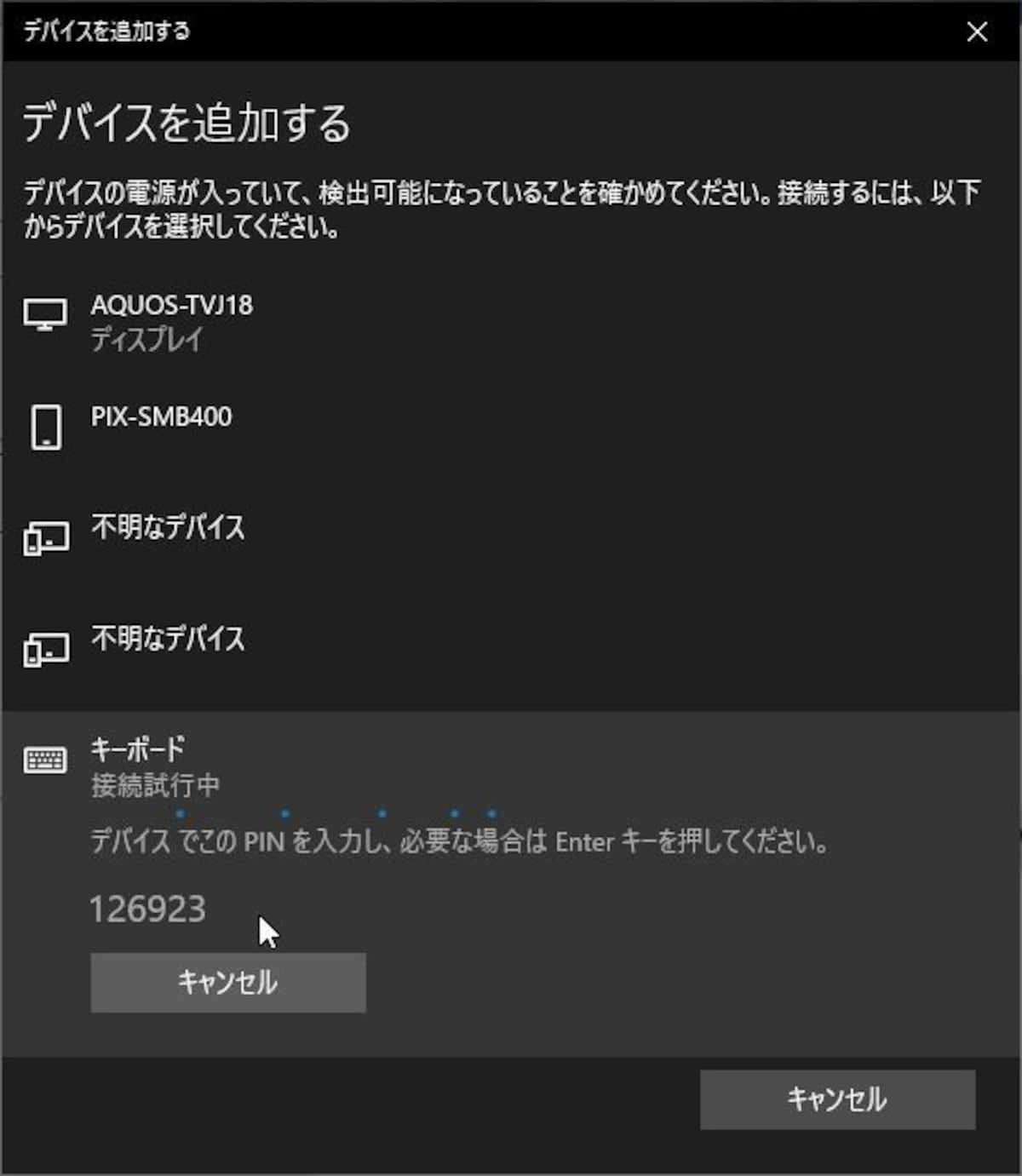
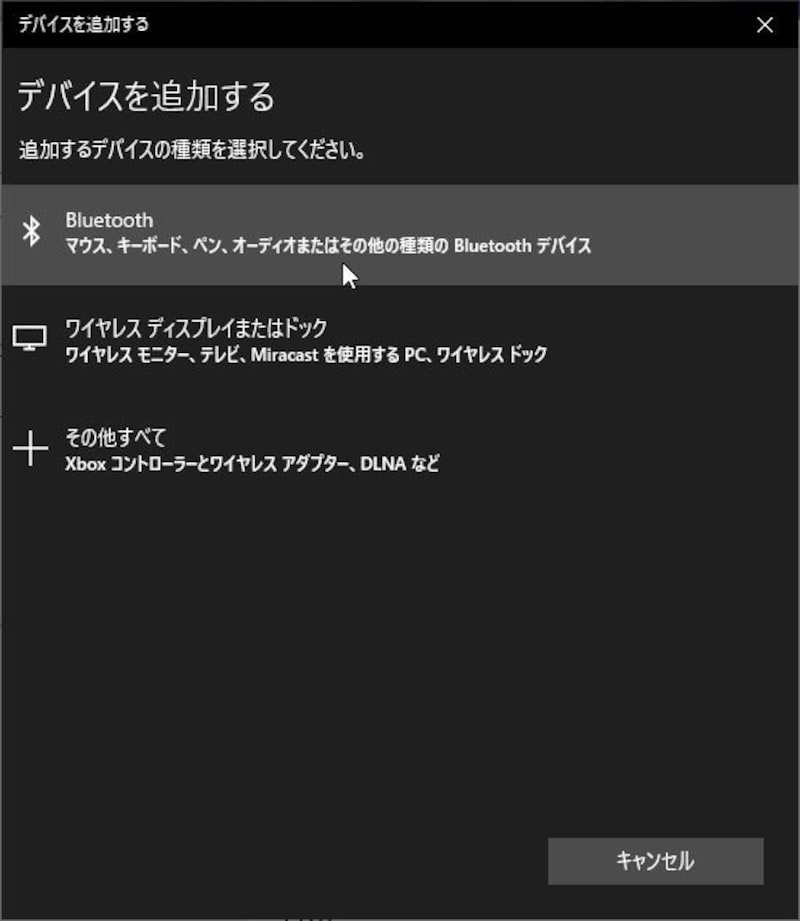
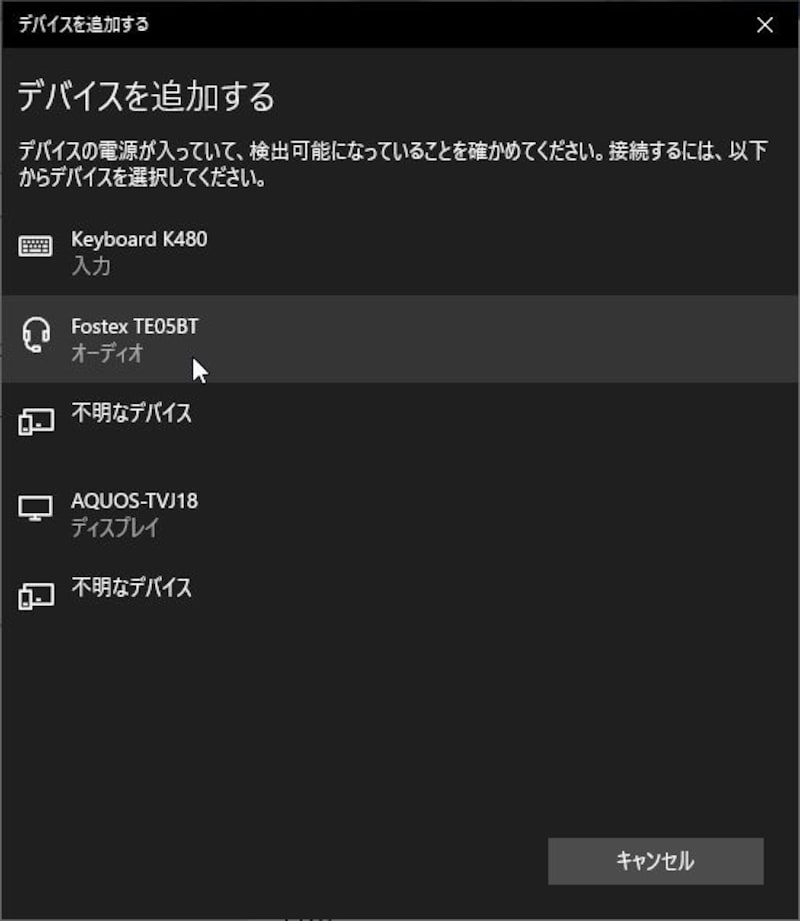
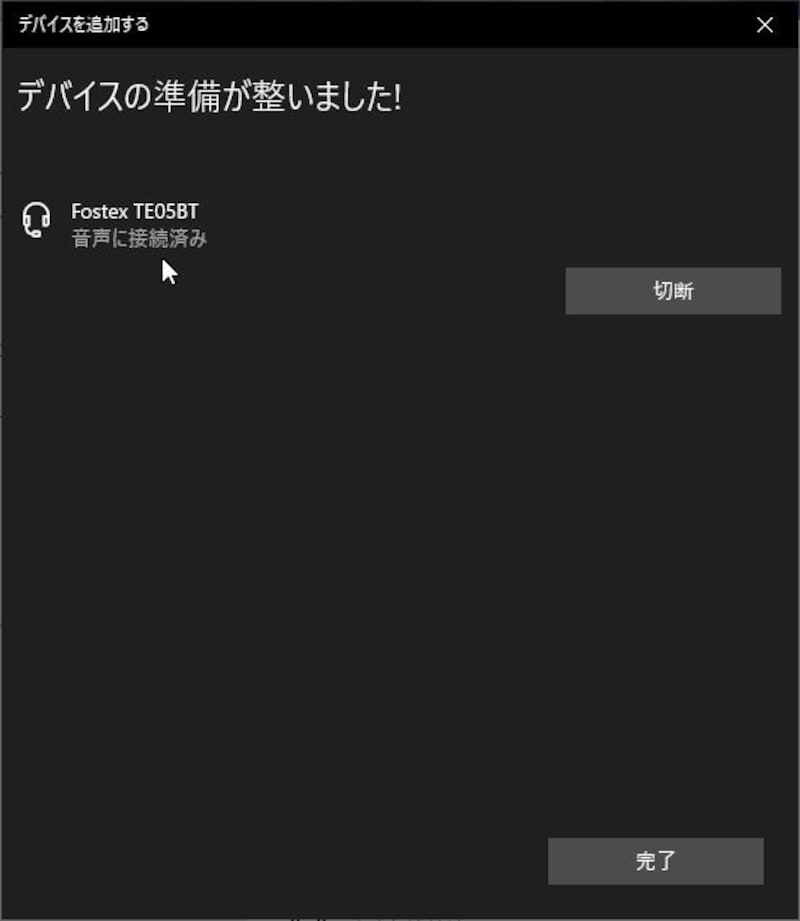
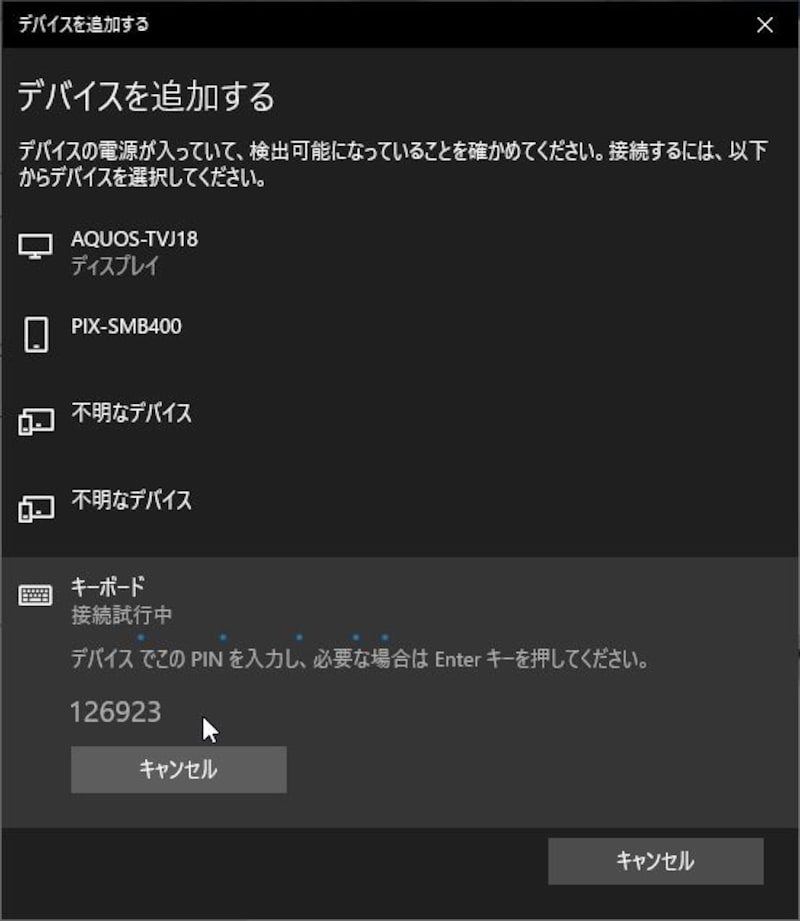
Windows 10でBluetoothデバイスをペアリング(接続)する方法(画像)

岡田 庄司

岡田 庄司

LAN・無線LAN ガイド

ライター歴は20年以上。パソコン通信時代からネットワークに興味を持ち、LANや無線LANが一般に普及する前からLANの話題を追いかけ続けている。著作はすでに40冊を超え、テクニカルライターとしても活動している。

プロフィール詳細執筆記事一覧
bluetooth
bluetooth
bluetooth
bluetooth
bluetooth
bluetooth
bluetooth
bluetooth
bluetooth
bluetooth
bluetooth
bluetooth
bluetooth
bluetooth
bluetooth
bluetooth
bluetooth
bluetooth
bluetooth
bluetooth
bluetooth
bluetooth
bluetooth
bluetooth
bluetooth
bluetooth
bluetooth
bluetooth
bluetooth
bluetooth
bluetooth
bluetooth
bluetooth
bluetooth
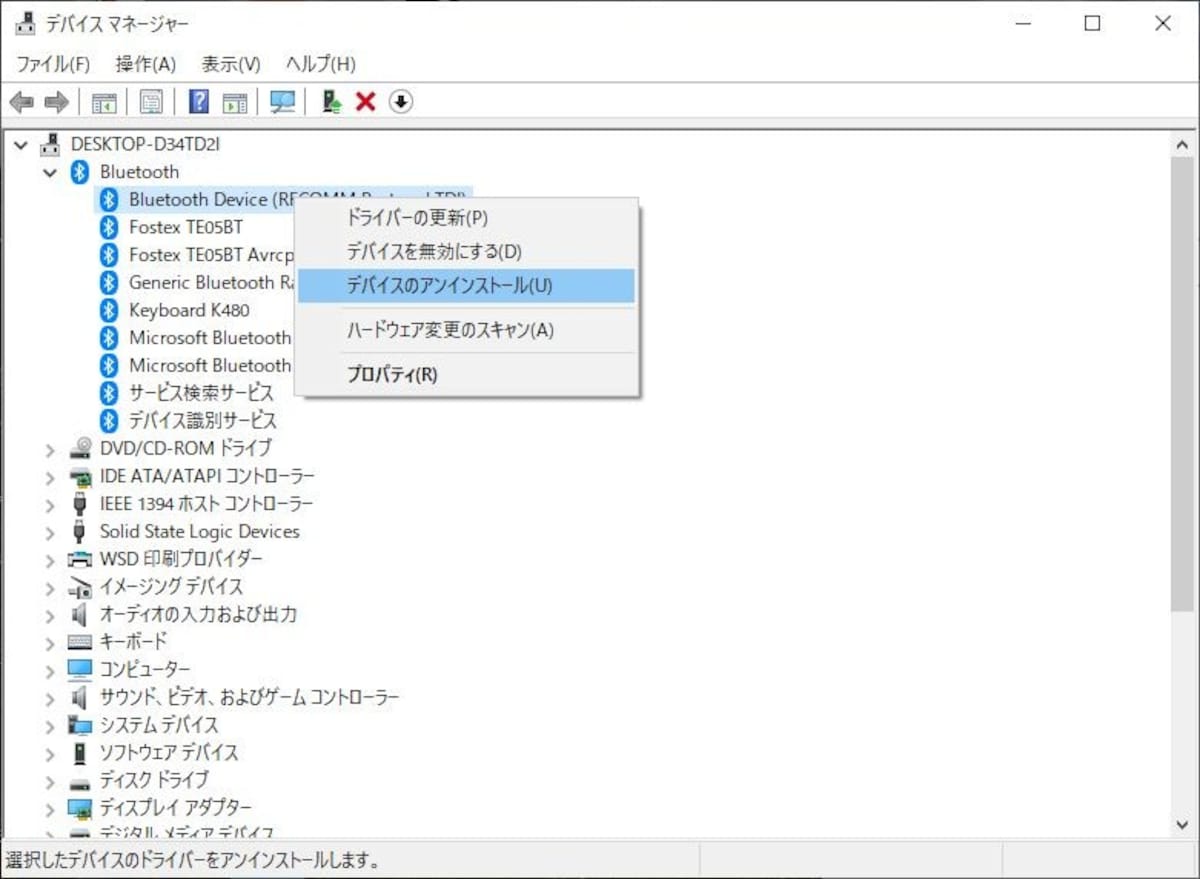
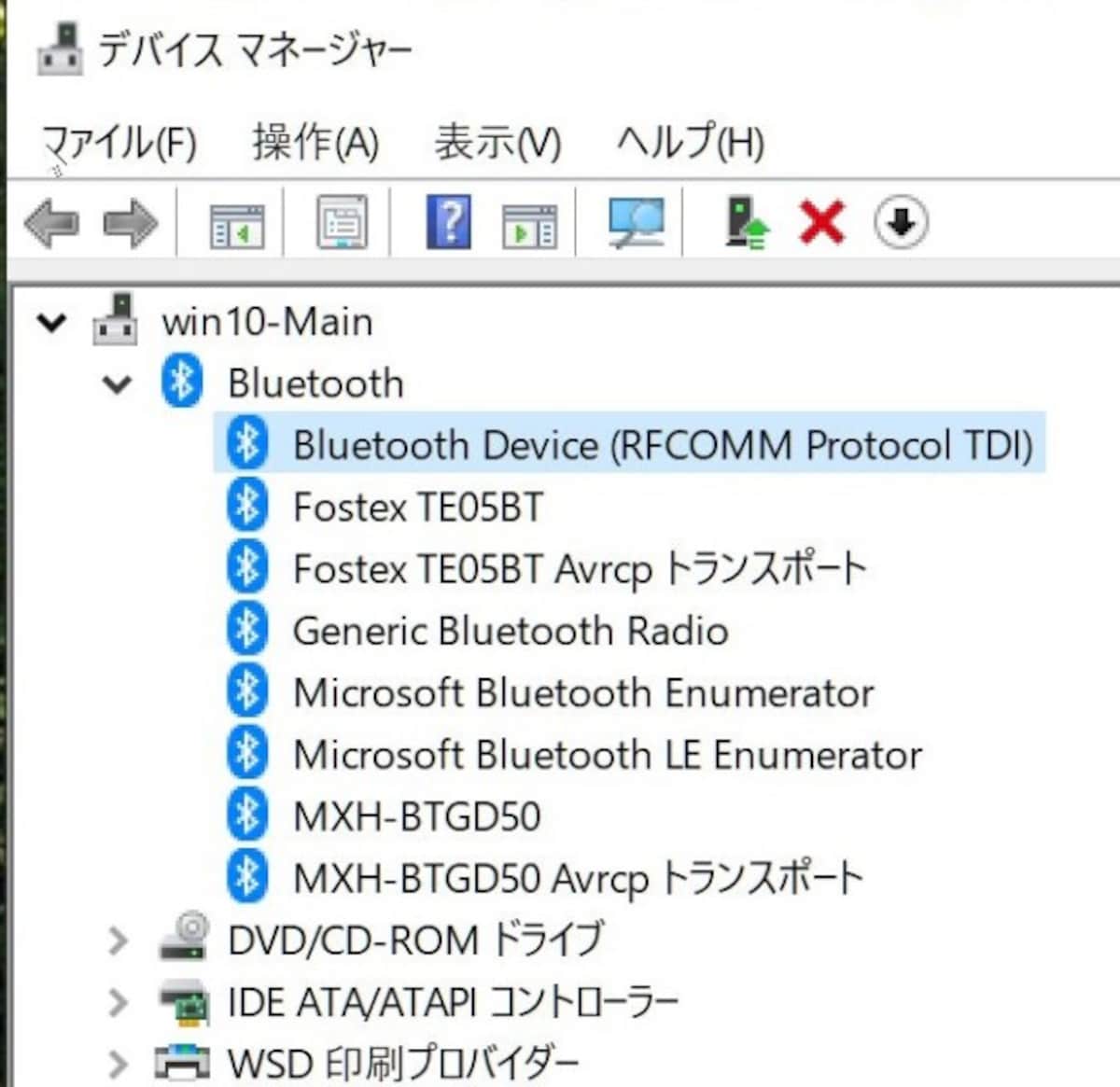
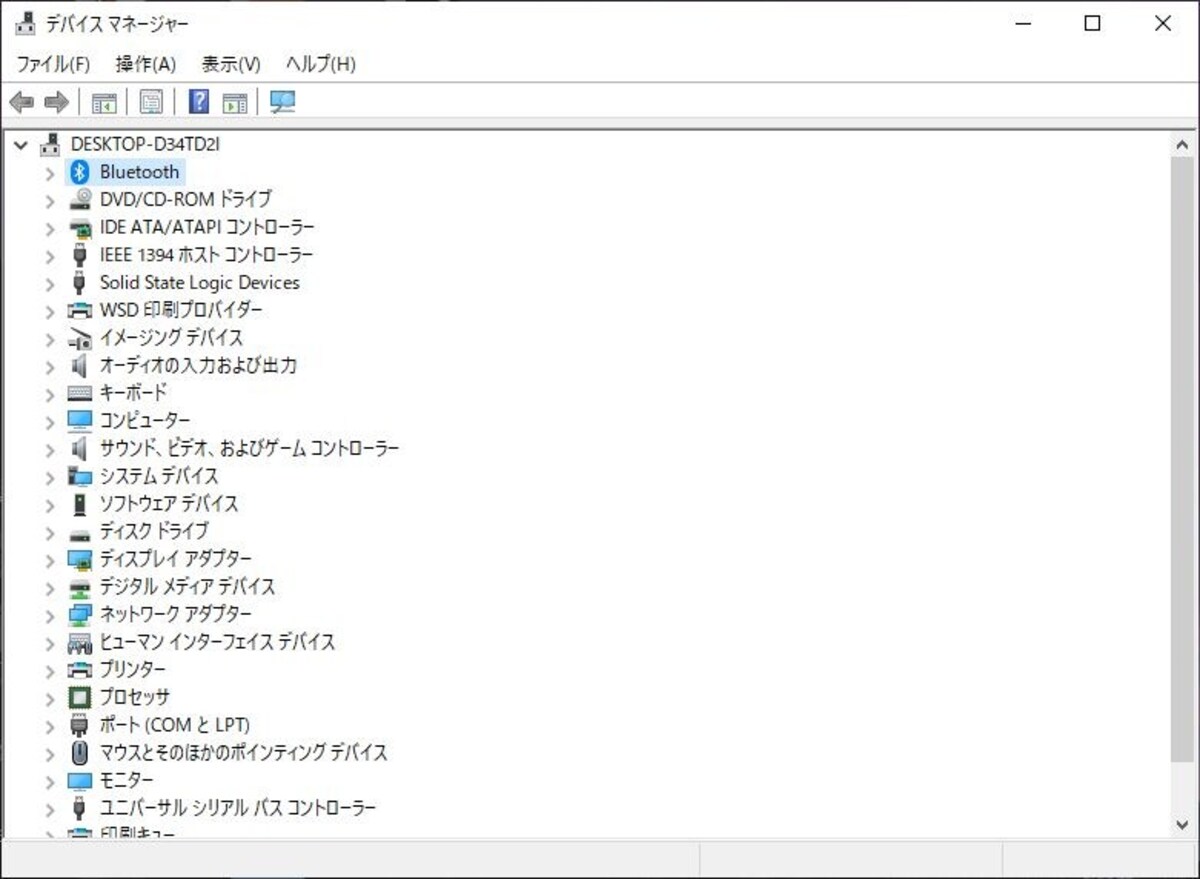
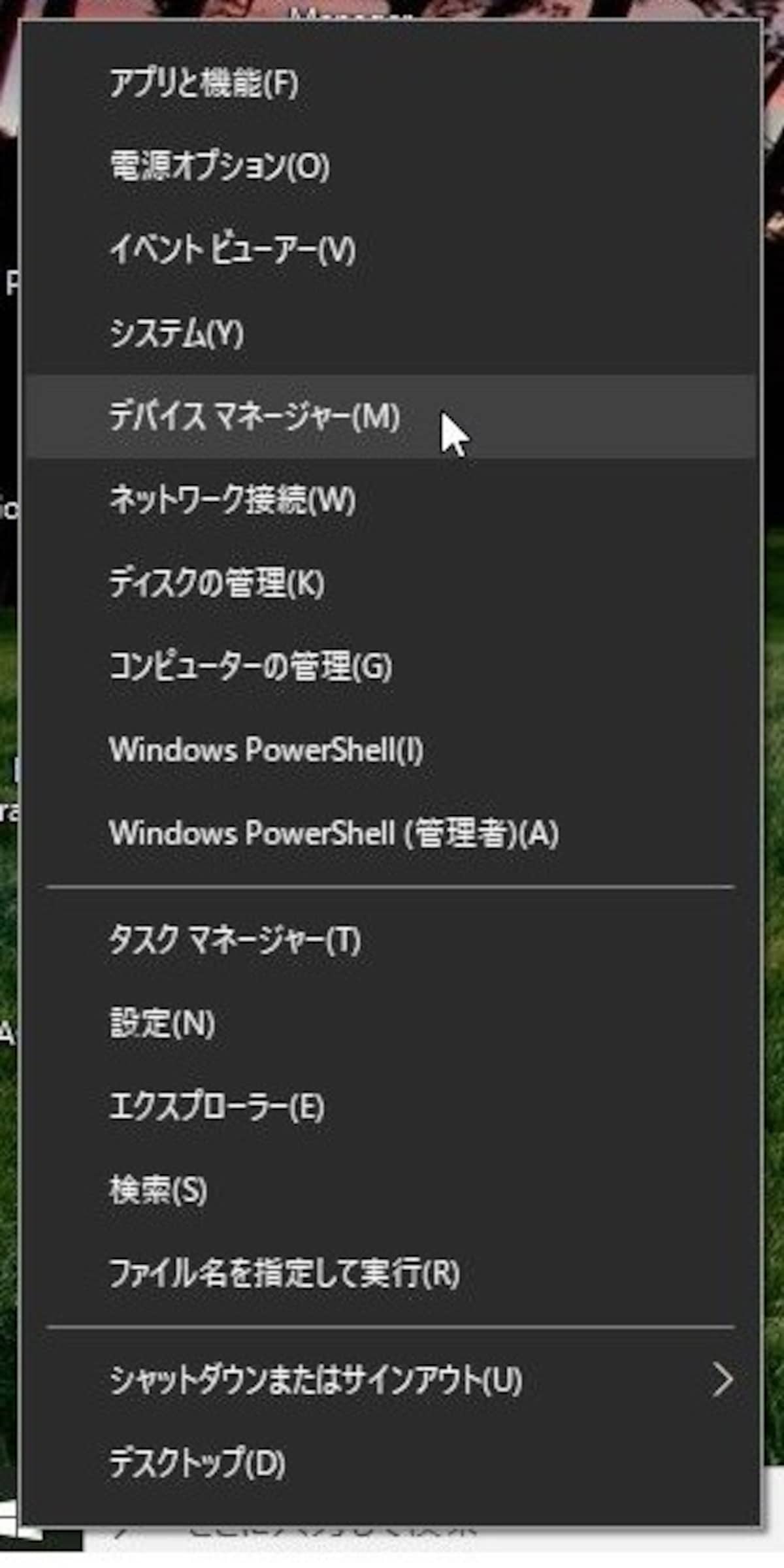
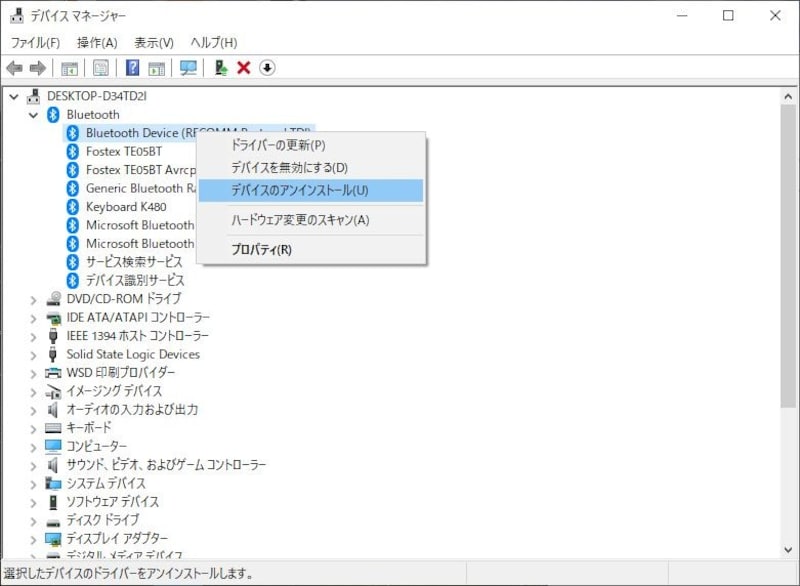
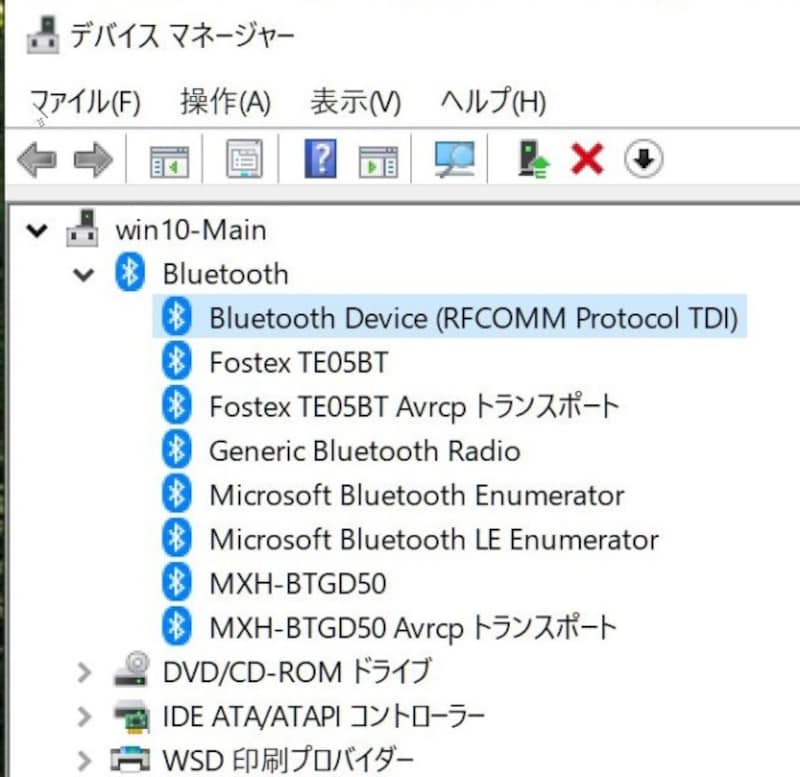
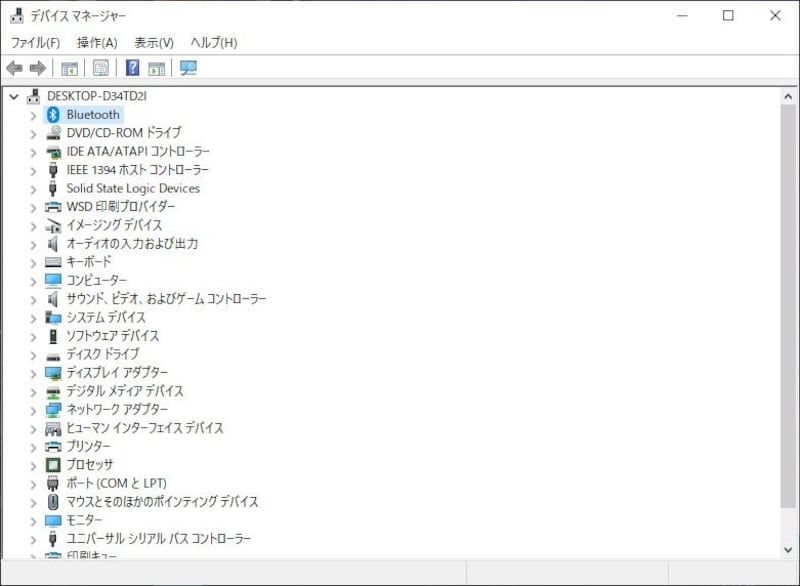
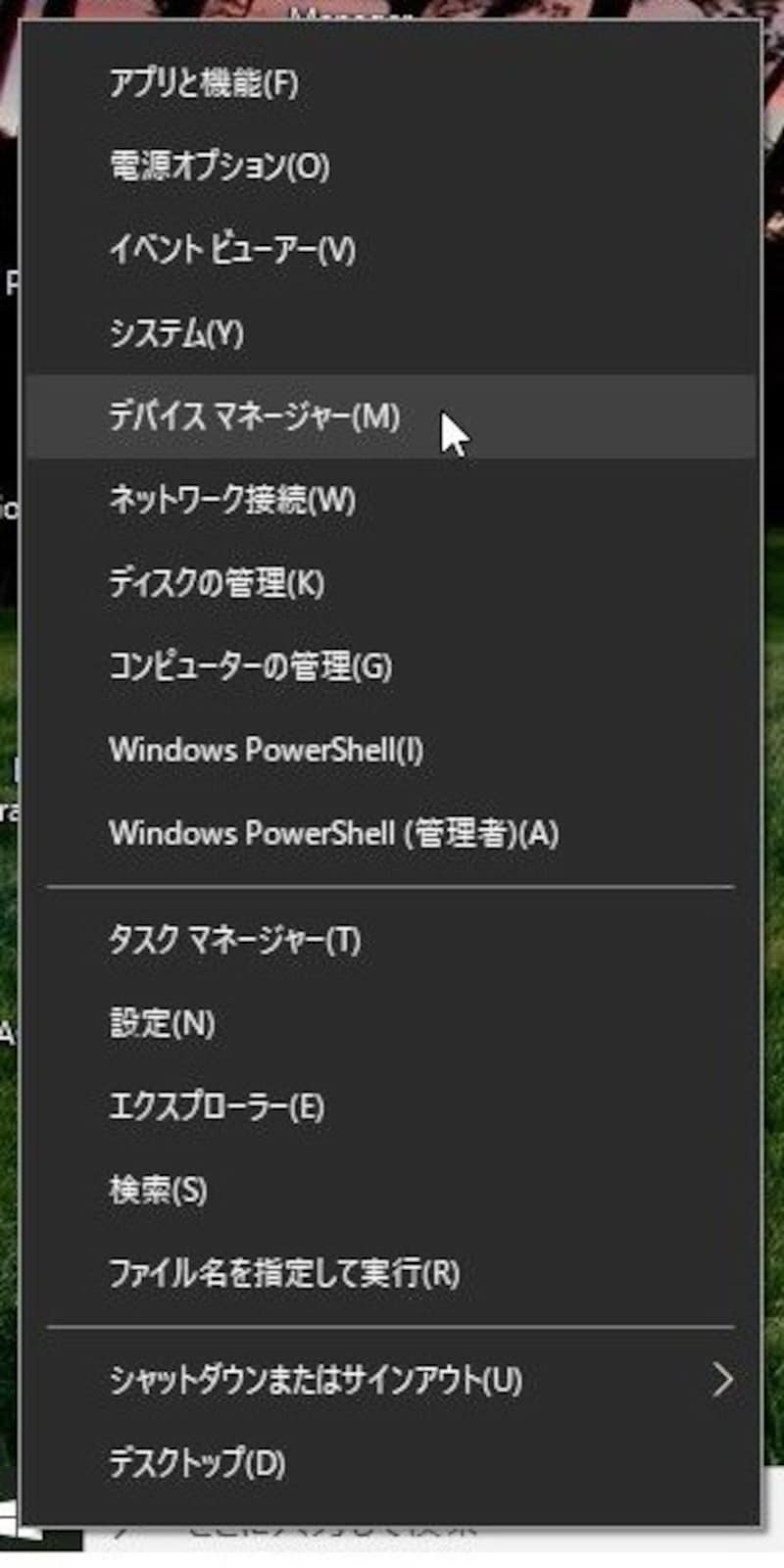
スタートボタンを右クリックして「デバイスマネージャー」を選択する。
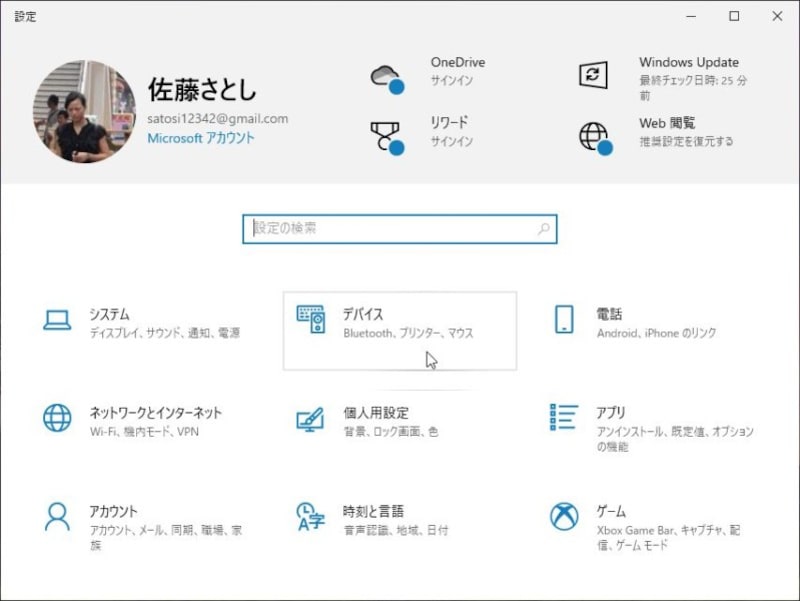
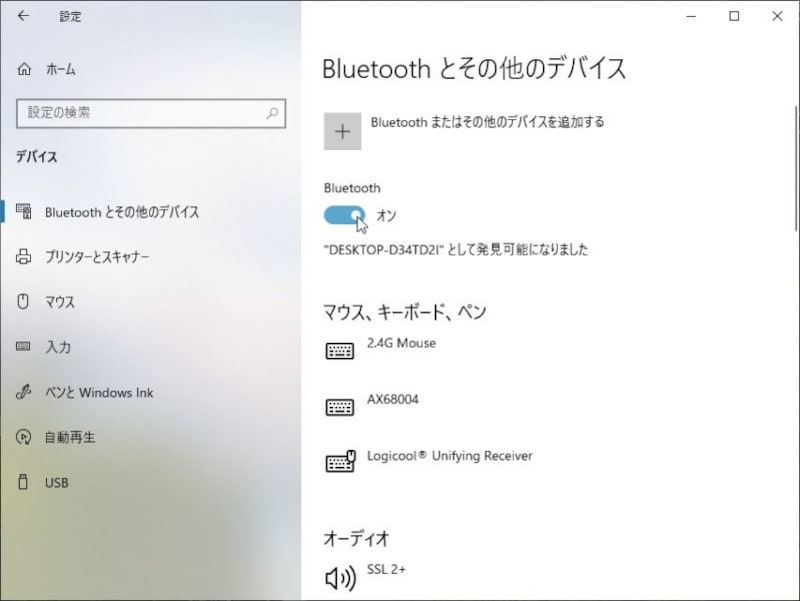
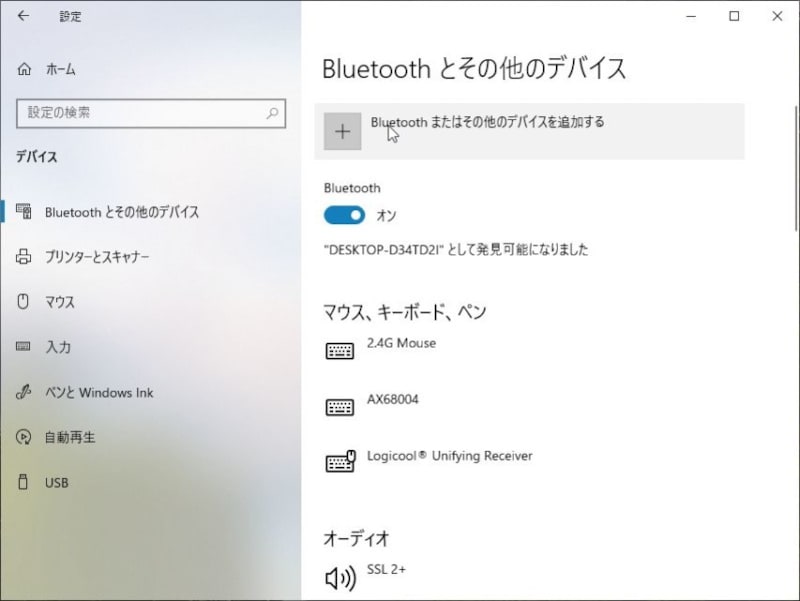
設定
設定
設定
設定
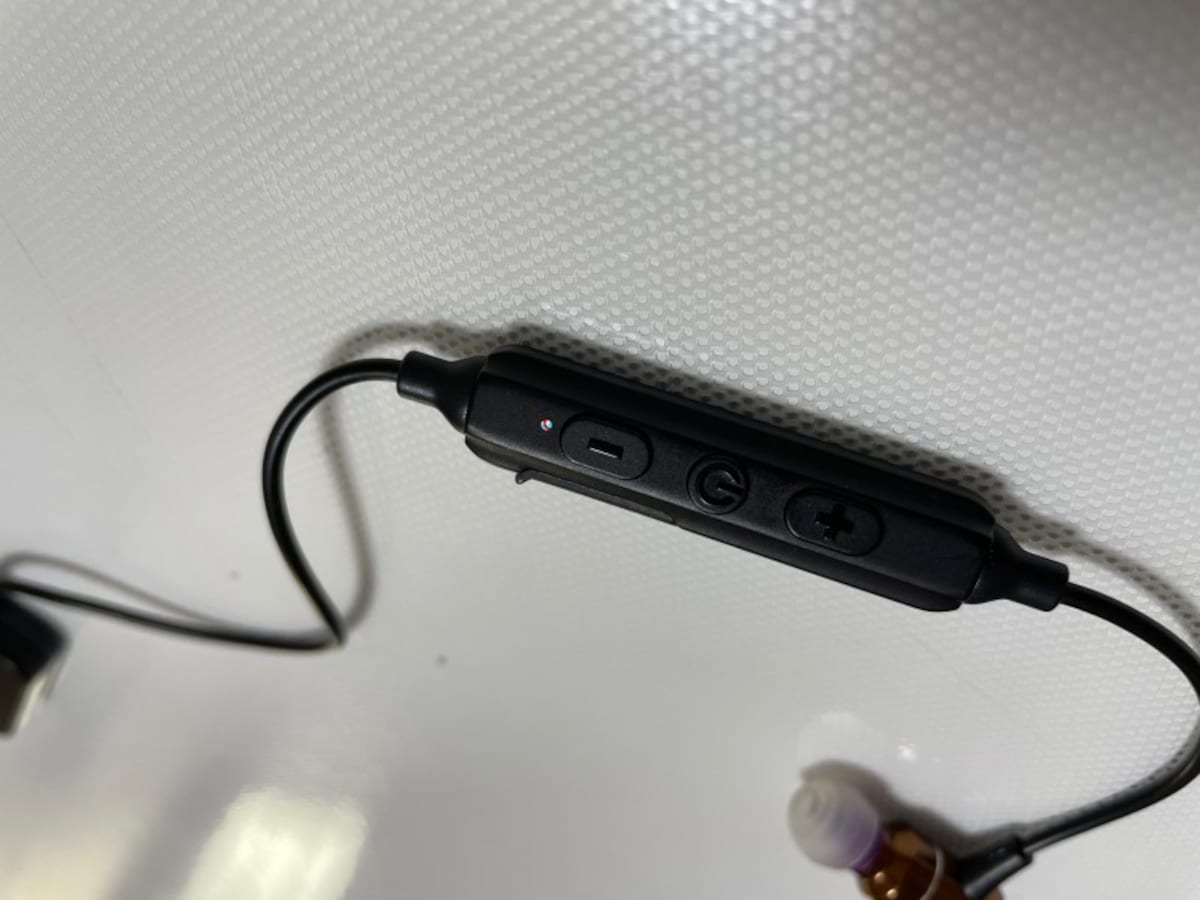
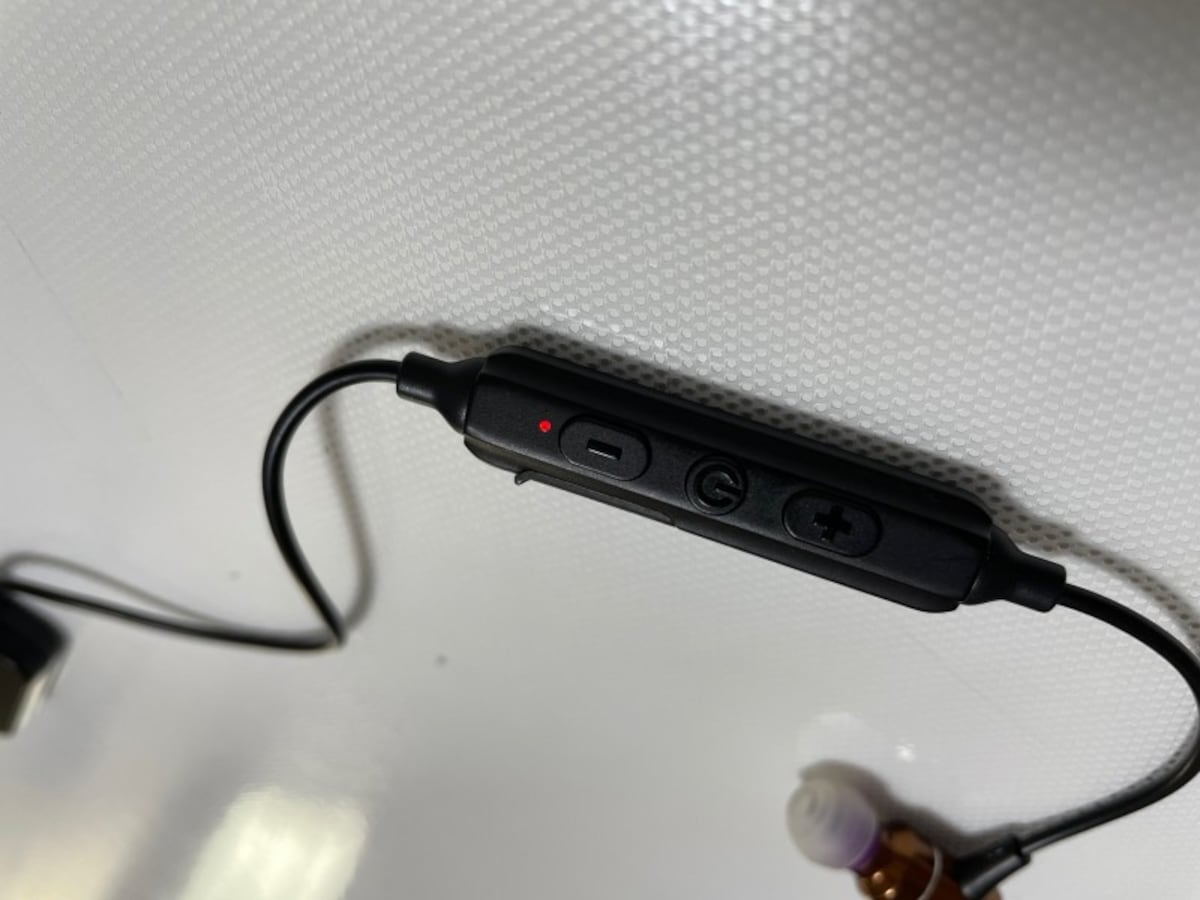
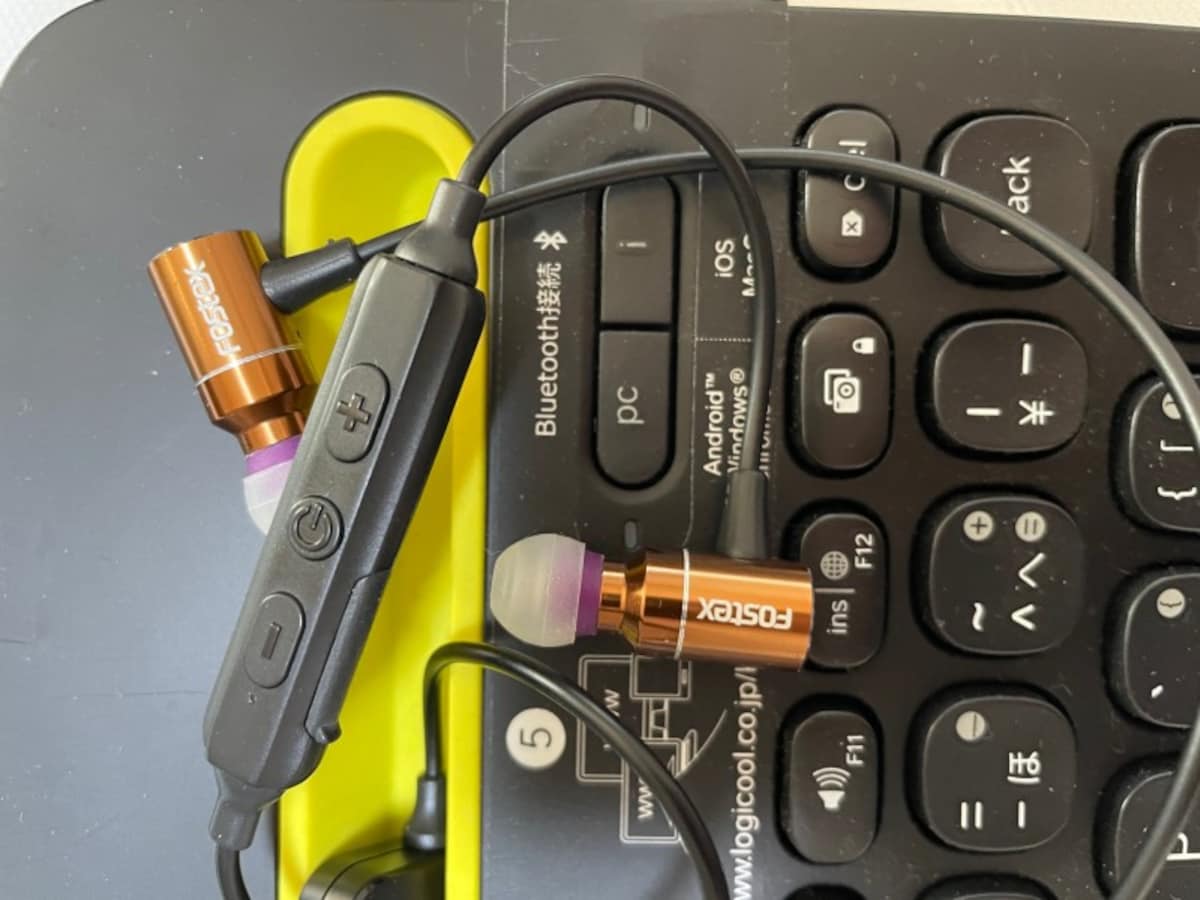
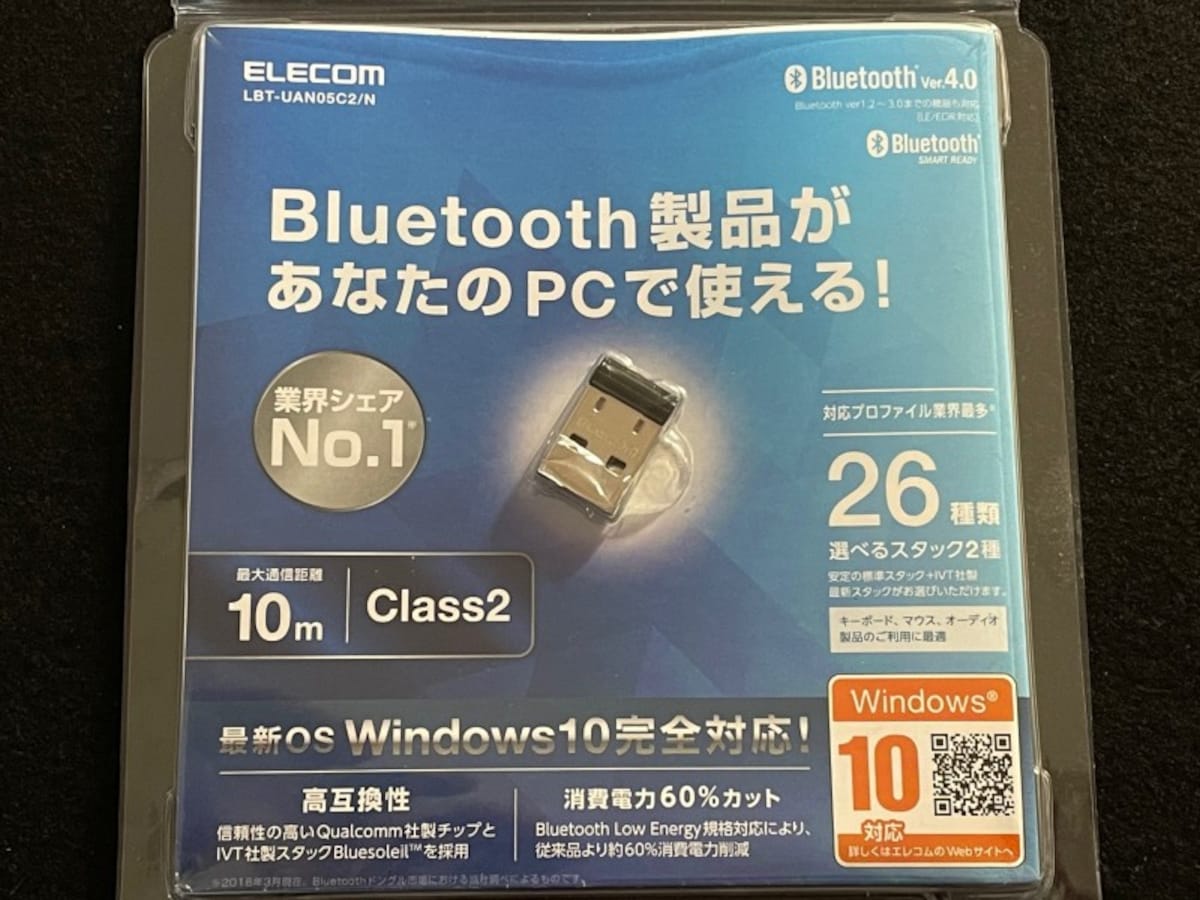
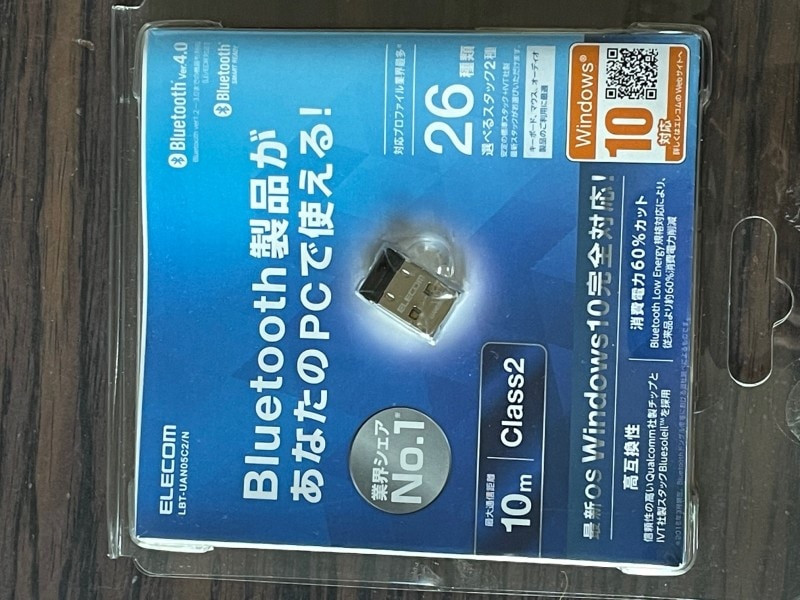
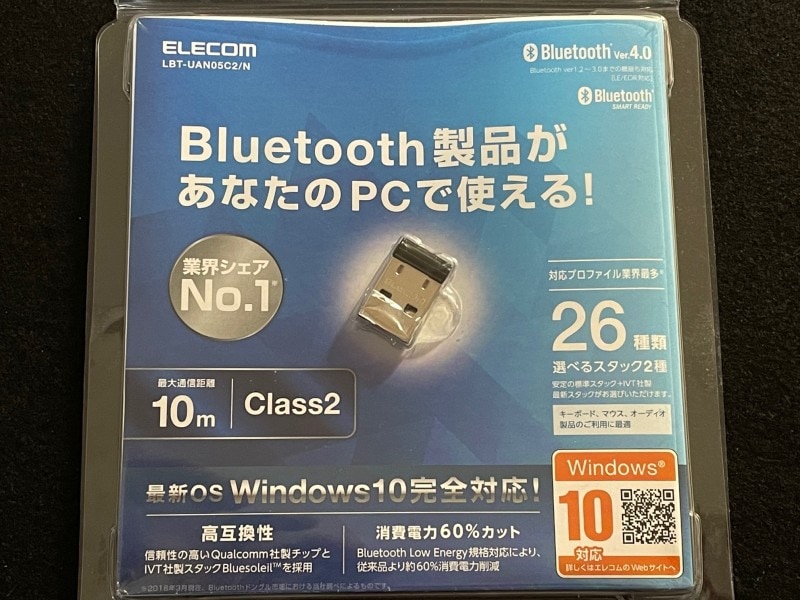
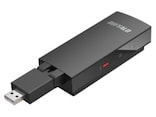
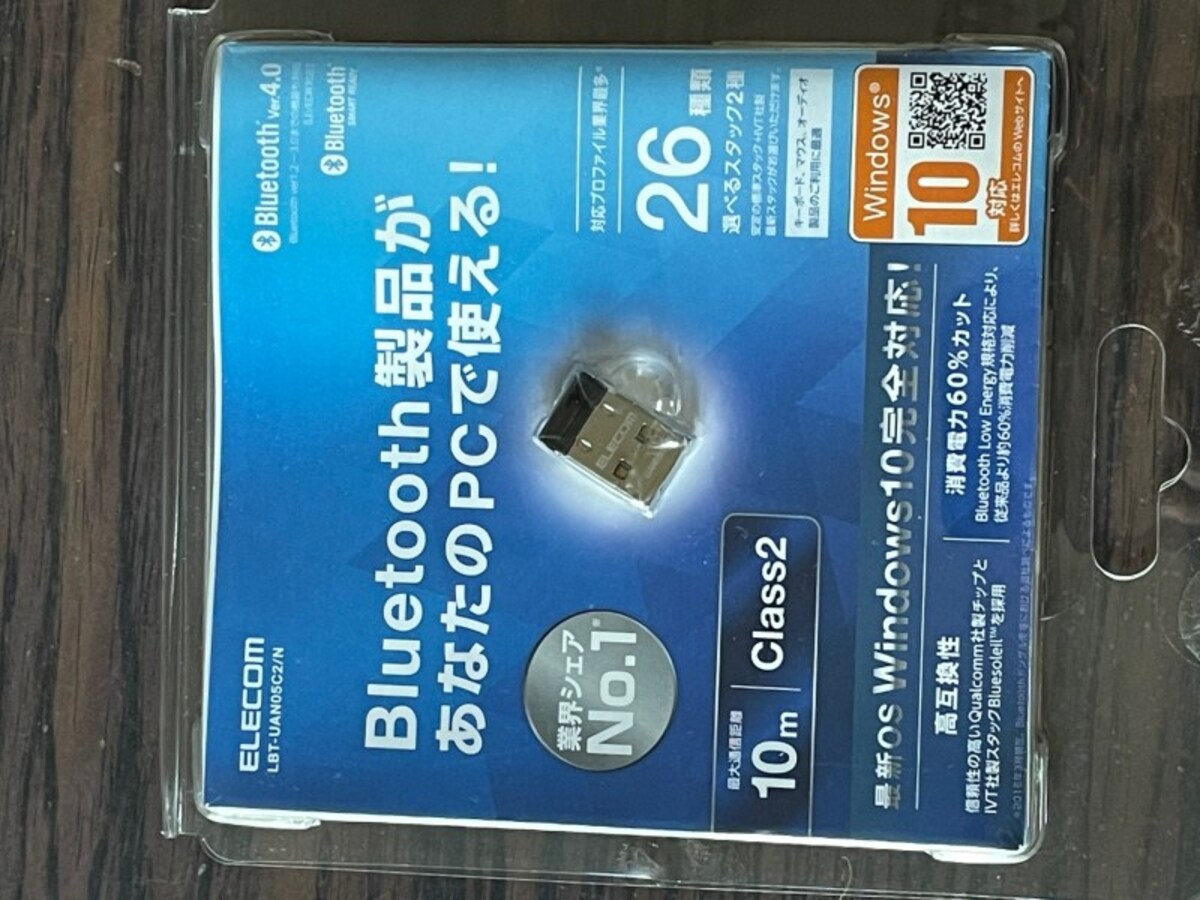
現在でも4.x規格の製品が主流になっている。安定しているので、無理して5.xを購入する必要はない。
この写真の記事を読む
bluetooth
bluetooth
bluetooth
bluetooth
bluetooth
bluetooth
bluetooth
bluetooth
bluetooth
bluetooth
bluetooth
bluetooth
bluetooth
bluetooth
bluetooth
bluetooth
bluetooth
スタートボタンを右クリックして「デバイスマネージャー」を選択する。
設定
設定
現在でも4.x規格の製品が主流になっている。安定しているので、無理して5.xを購入する必要はない。
※記事内容は執筆時点のものです。最新の内容をご確認ください。
あわせて読みたい

カテゴリー一覧

All Aboutサービス・メディア

All About公式SNS
日々の生活や仕事を楽しむための情報を毎日お届けします。
公式SNS一覧
© All About, Inc. All rights reserved. 掲載の記事・写真・イラストなど、すべてのコンテンツの無断複写・転載・公衆送信等を禁じます